About
Creative director. Systems builder.
AI Creative Director
Open to remote roles
Say Hello
hello@clivemoore.me
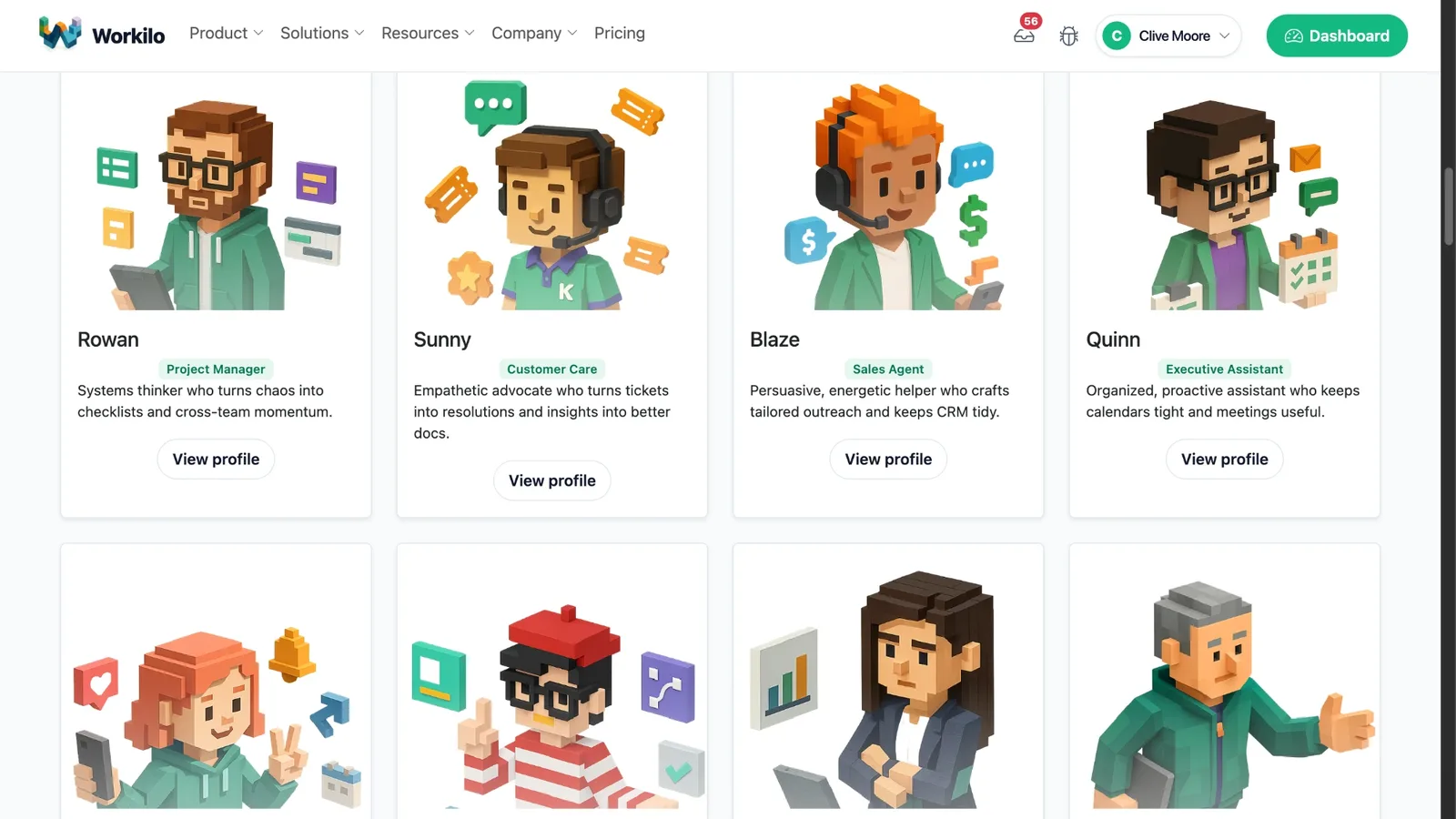
I'm an AI creative director. I design the systems and make the creative that runs through them. I'm building two products: Workilo, where 12 specialized AI assistants (Workalongs) hand work off to each other like a real team, with a 14-day trial, and GPT Studio, which turns static documents into working knowledge with GPT, Claude, and Cohere integrated, hosted on a Canadian server. Both are pre-revenue. I post what's shipping, what's broken, and what I learned.
Before AI I led creative and UX teams: UX Lead at Treefrog, then Creative Director at Tyger Shark, a 14-person design and WordPress team. I also taught UX at Georgian College from 2011 to 2025. The projects below are that body of work.
I also run Agency in a Box, an AI implementation studio for small and mid-sized businesses that need real automation, not a chatbot bolted onto a landing page. The work covers AI strategy, custom GPT and agent builds, and n8n workflow automation.
Projects
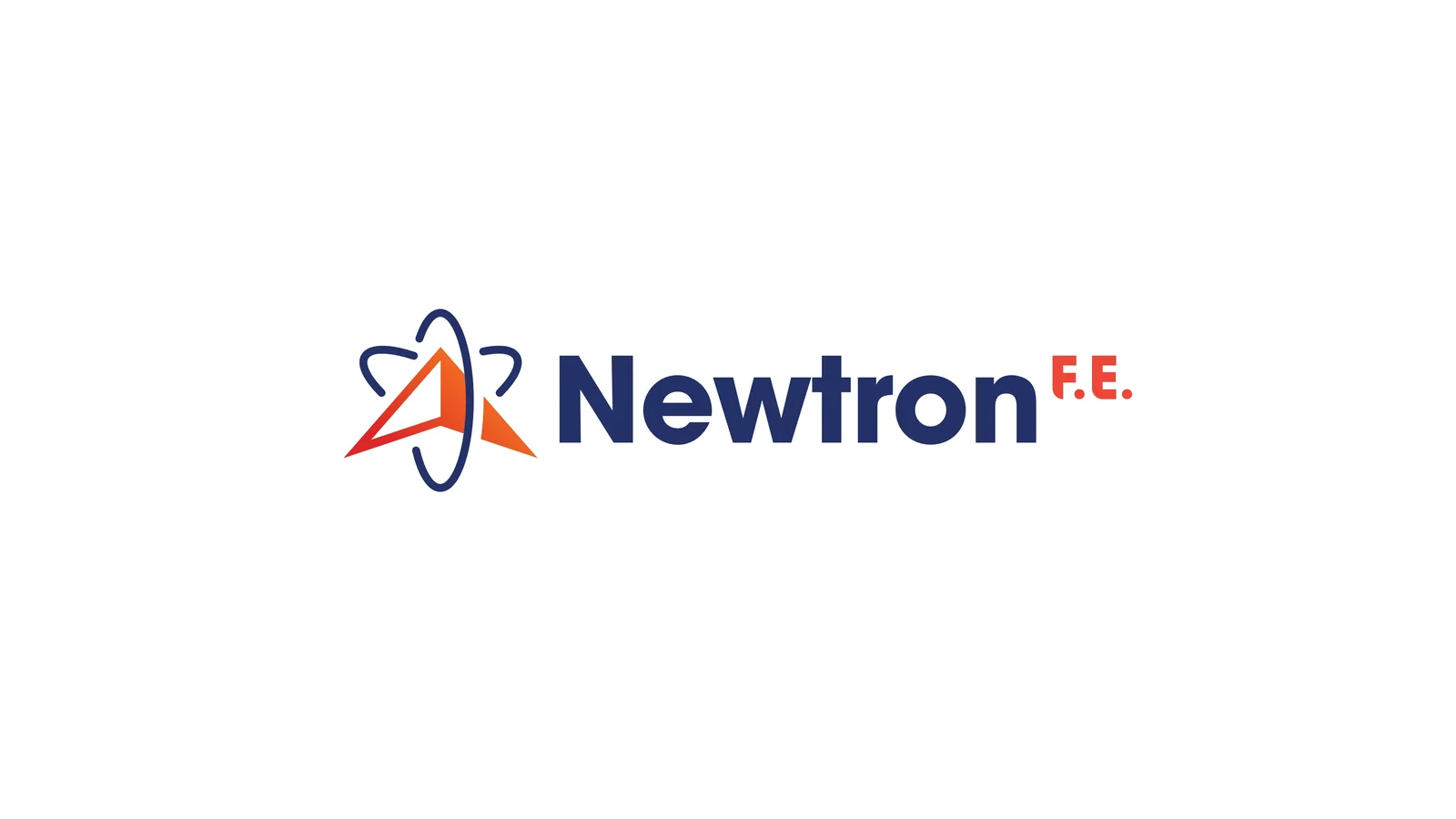
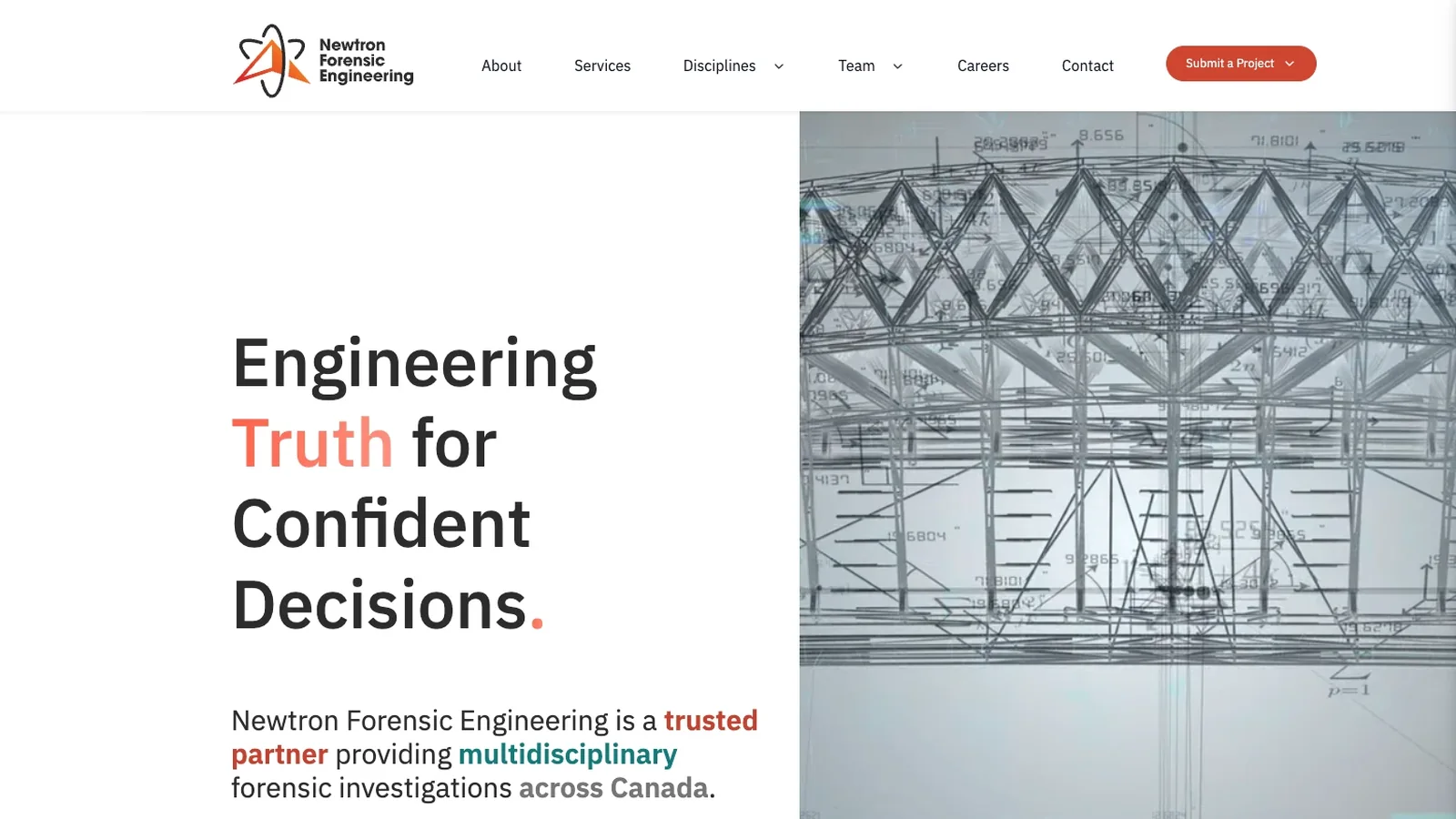
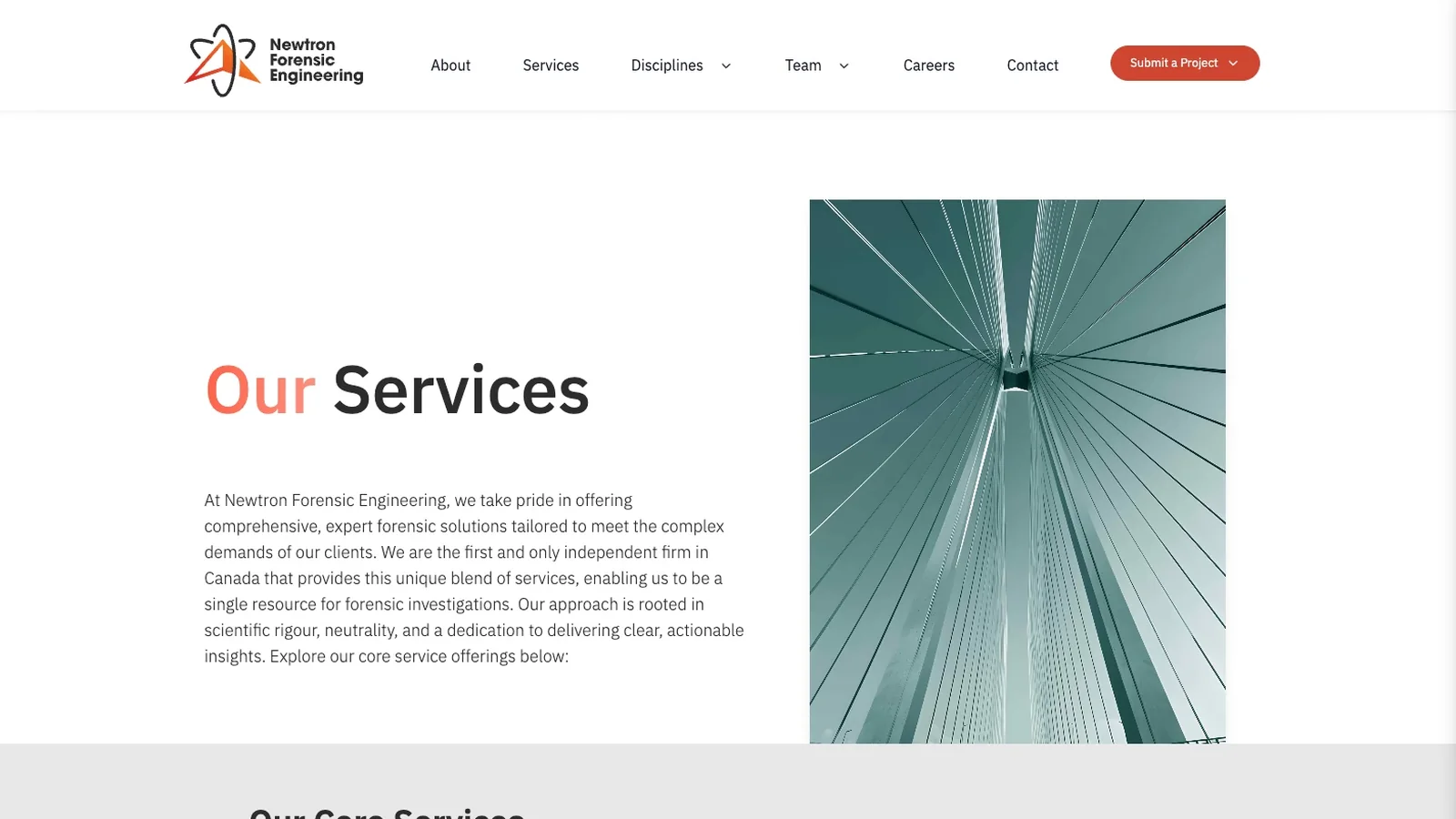
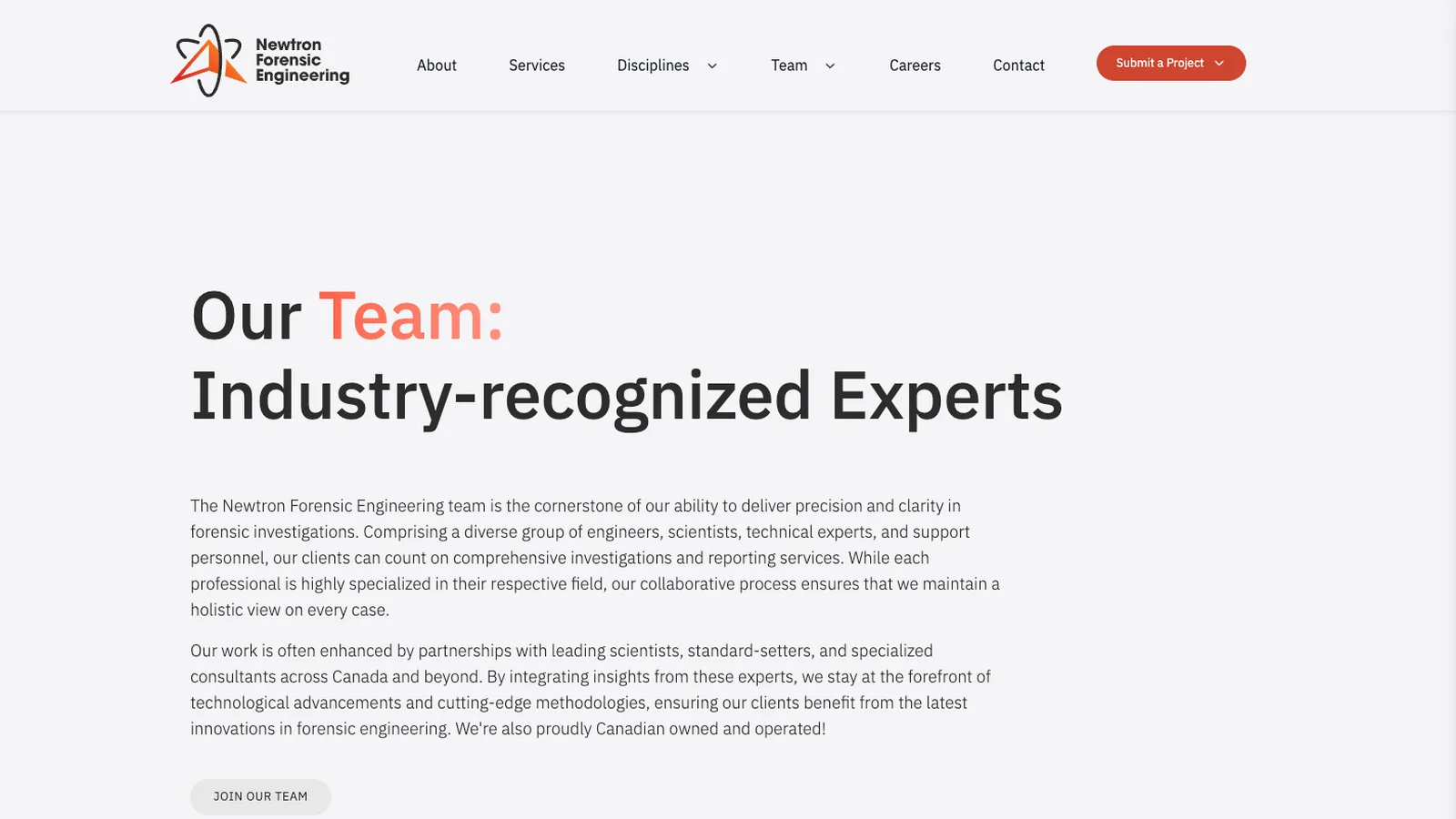
Newtron Forensic Engineering Brand & Website
Brand and website for Newtron Forensic Engineering, a multidisciplinary forensic engineering firm serving clients across Canada.
Project Highlights
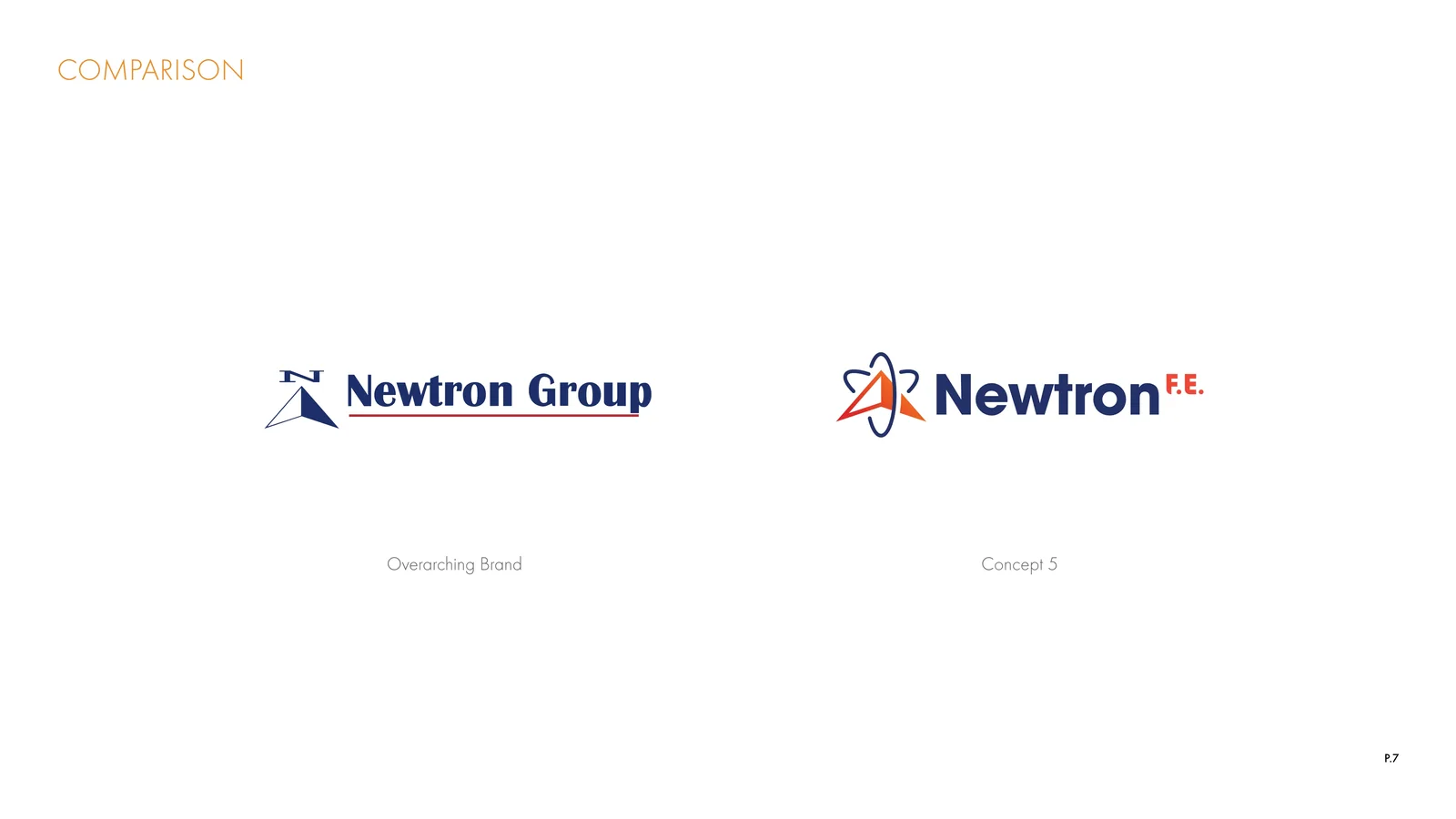
- Evolved the Newtron Group compass-arrow mark into an atom-orbit symbol that keeps the family link and gives the forensic practice its own identity
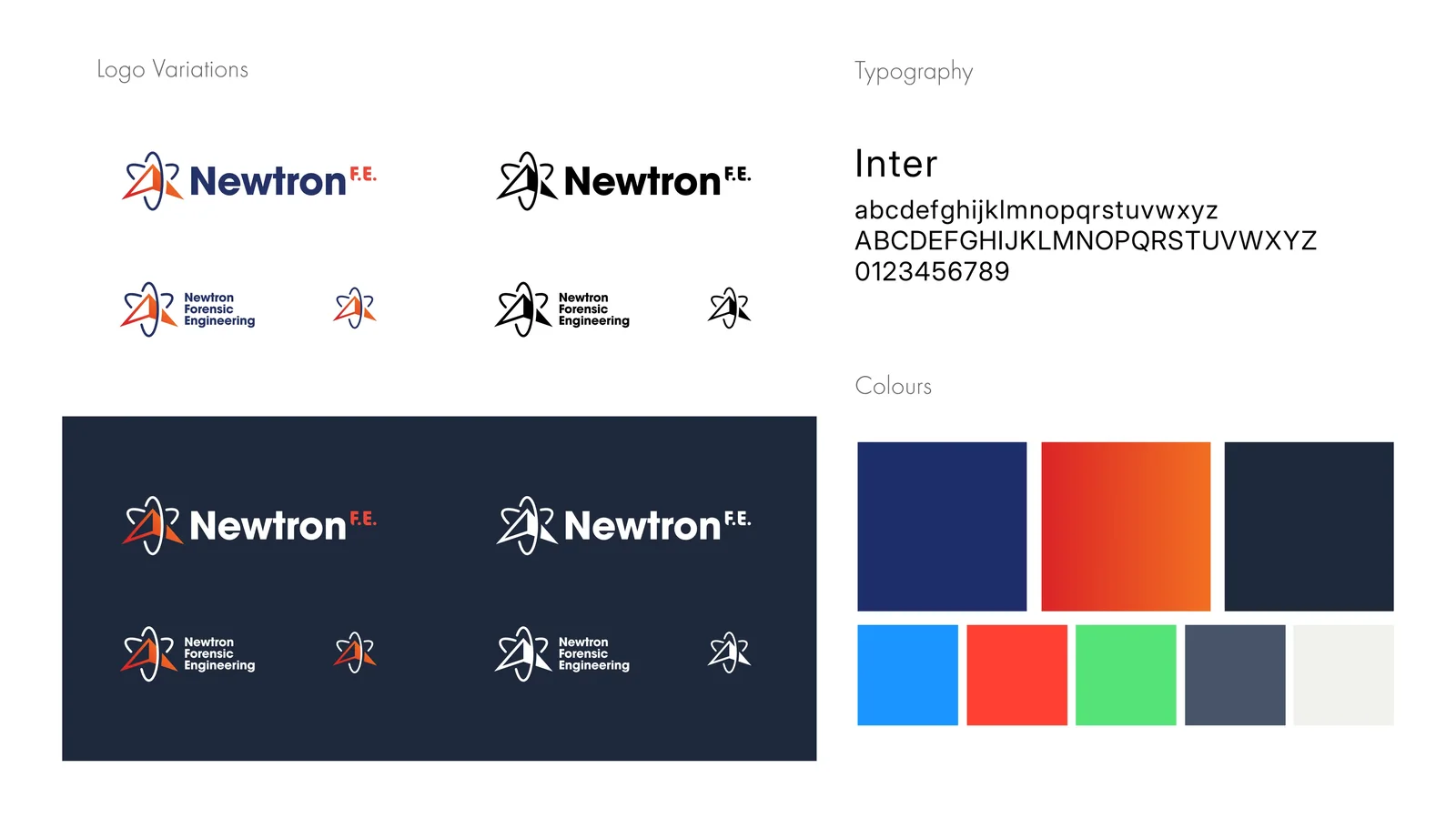
- Built a flexible logo system: full wordmark, stacked, and symbol-only in full colour, mono, and reversed versions
- Defined the visual language: Inter typography, a navy-to-orange gradient palette, and the line “Expert Analysis. Reliable Results.”
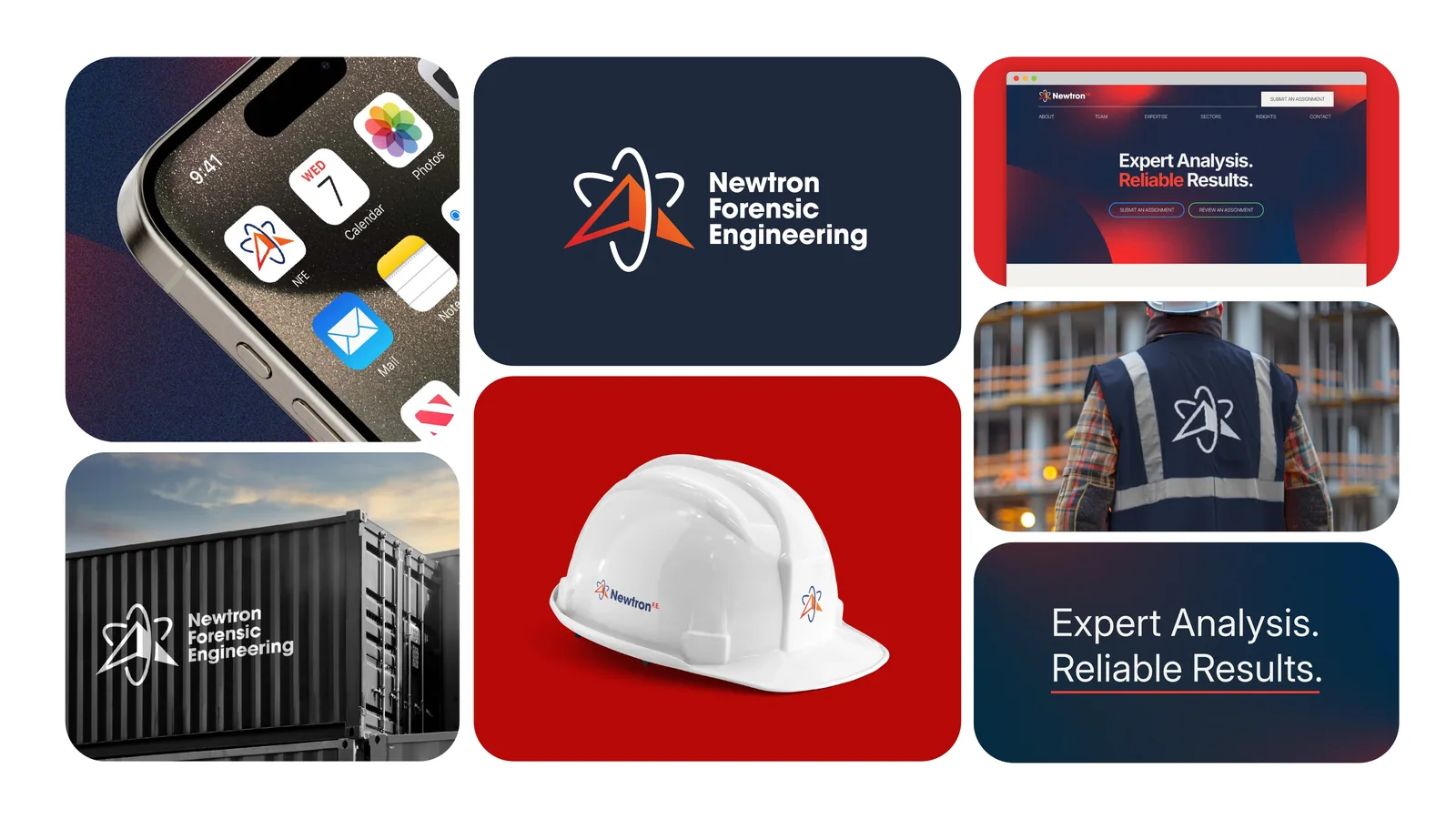
- Applied the brand across the website, mobile icon, hard hats, safety vests, and site signage
- Designed and launched newtronfe.ca with clear paths for services, disciplines, team, careers, and project submission
BrandingLogo DesignWeb DesignBrand Identity
visit newtronfe.ca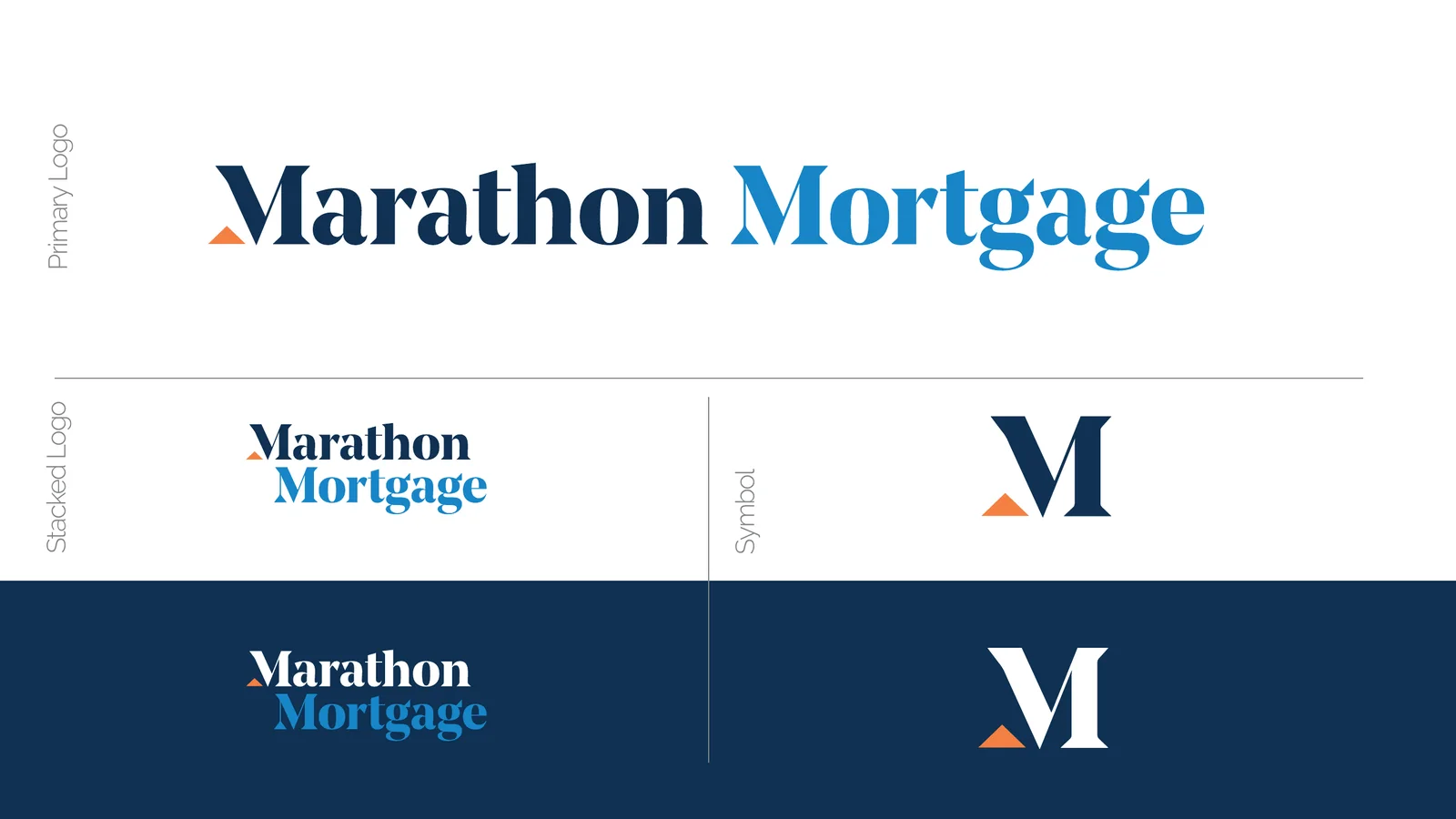
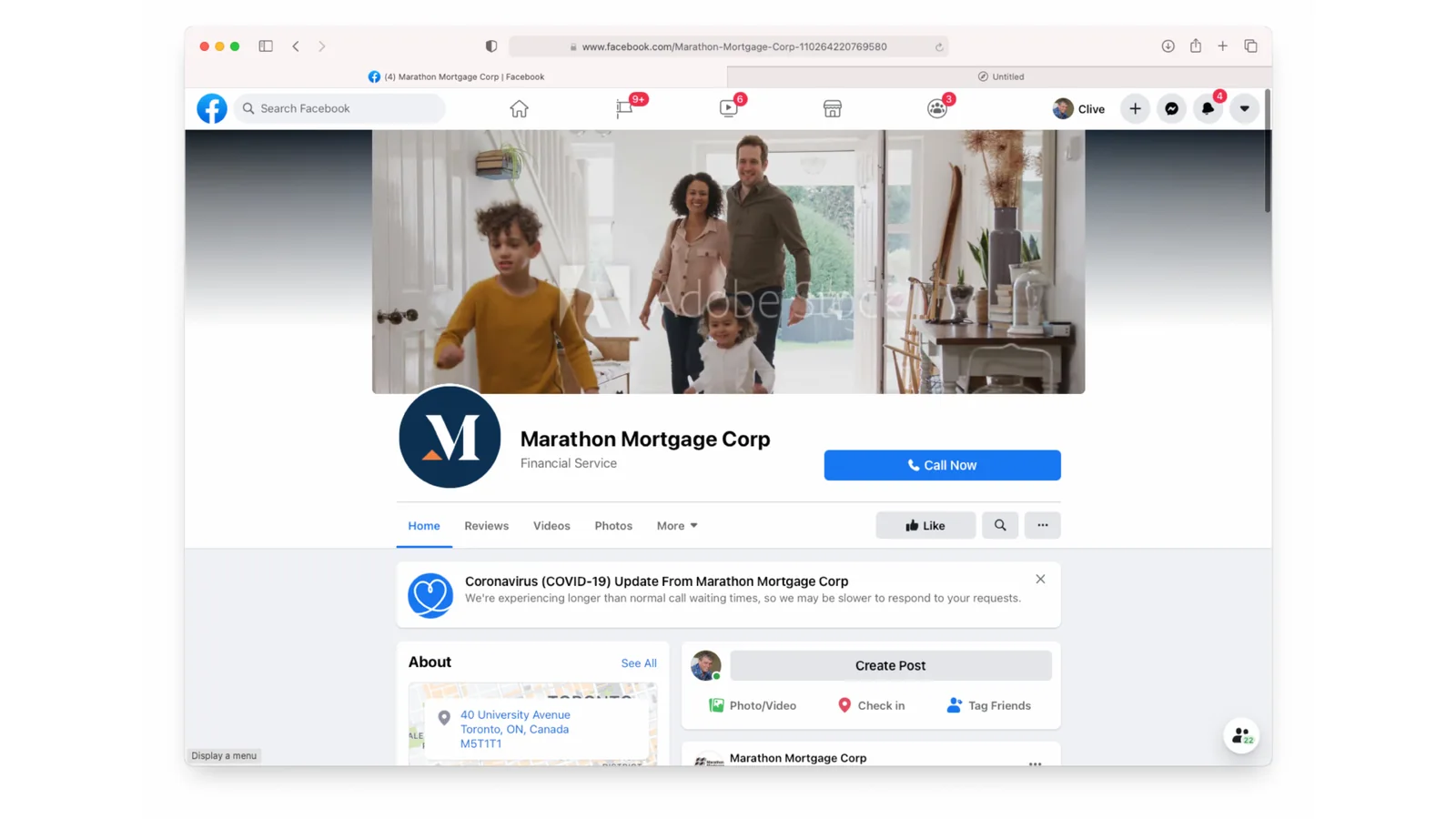
Marathon Mortgage Rebrand
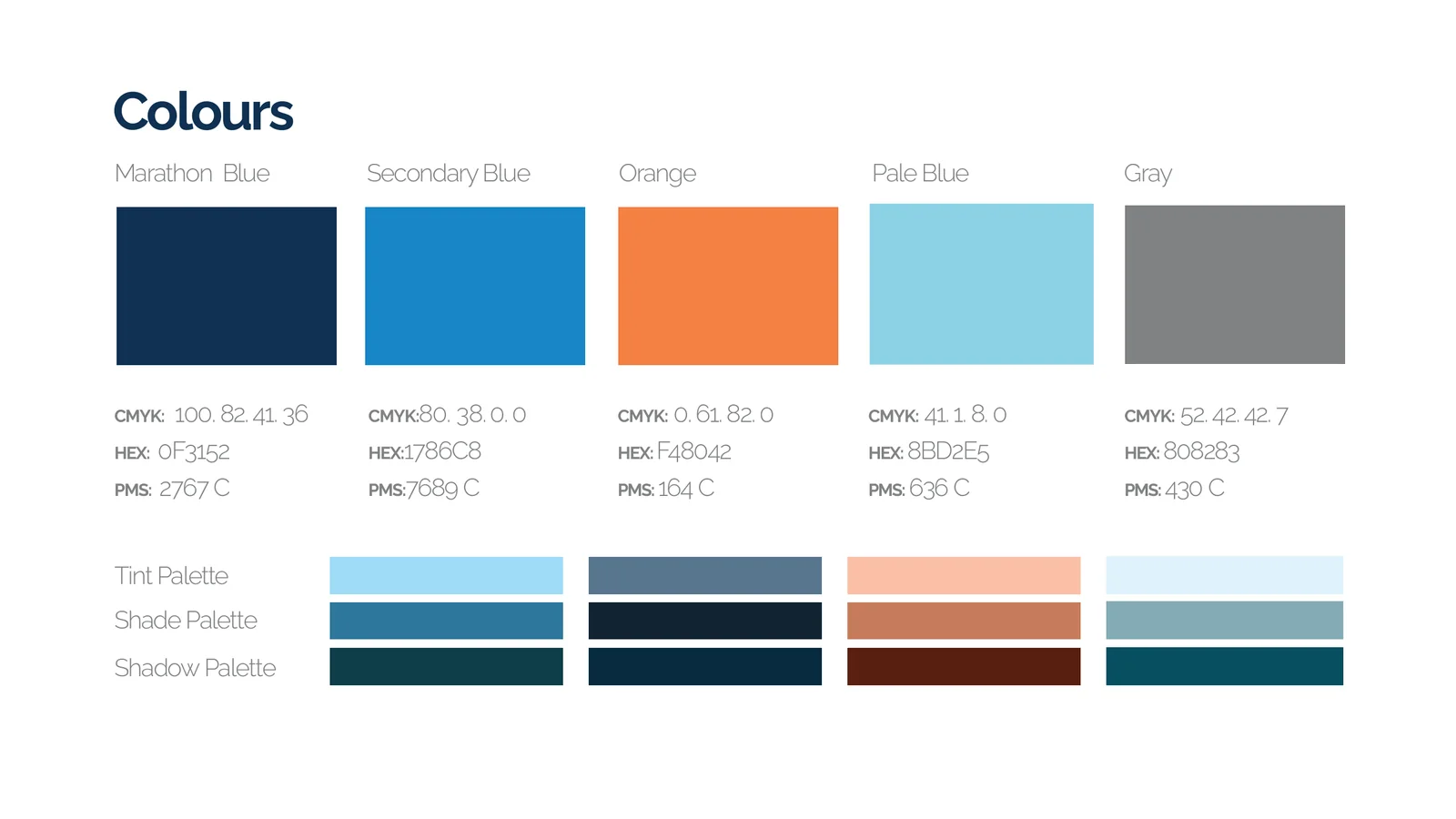
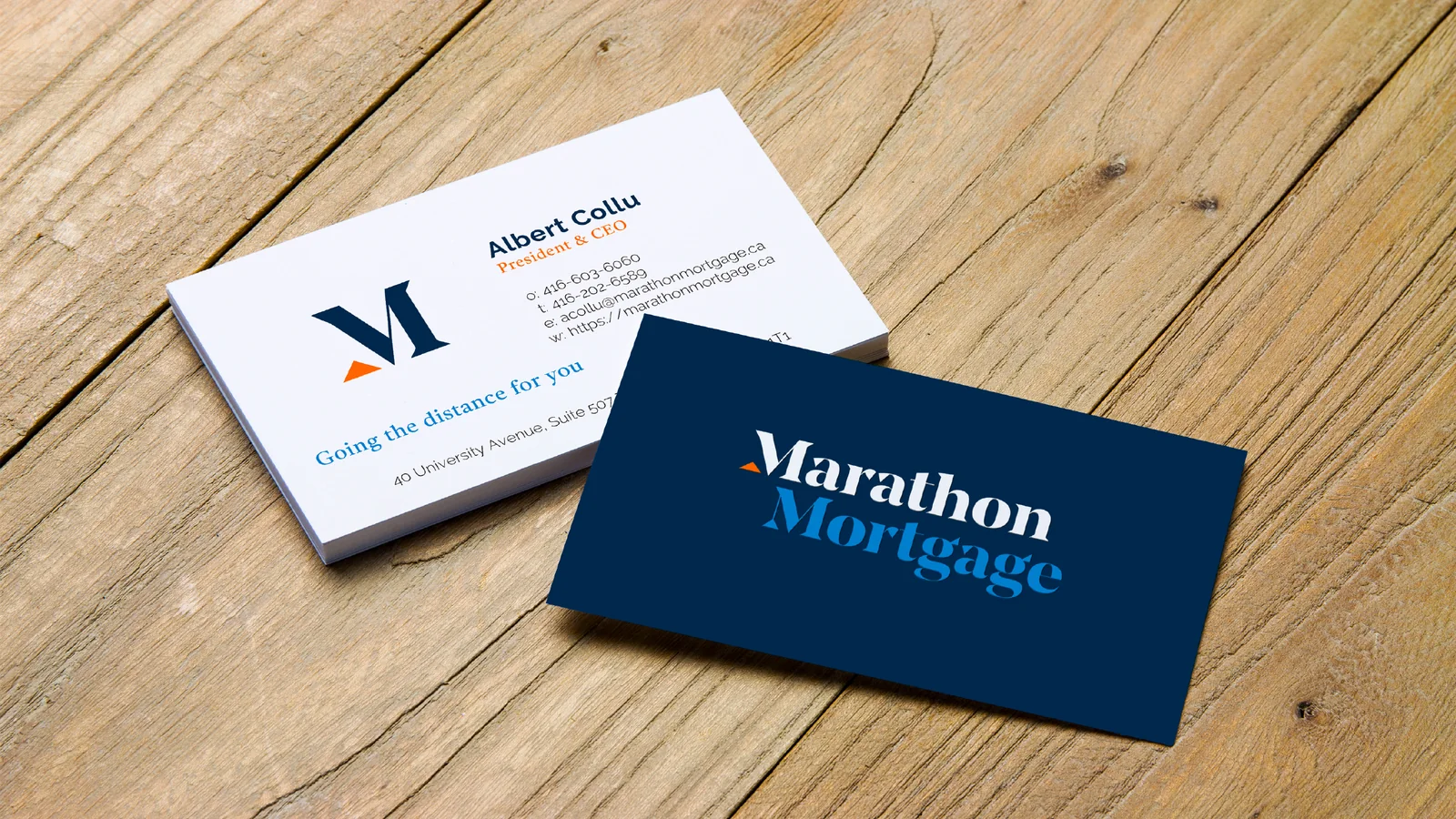
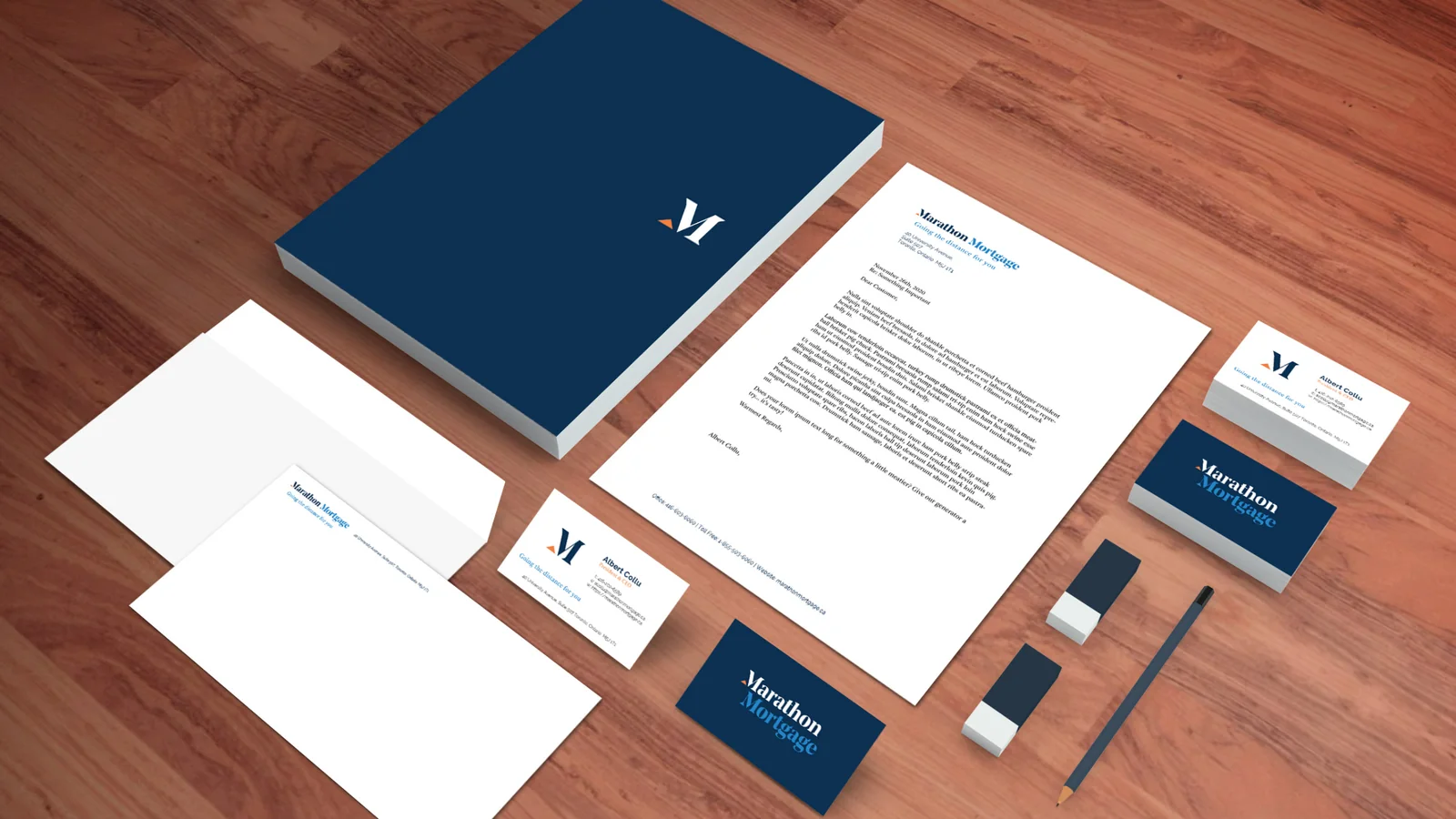
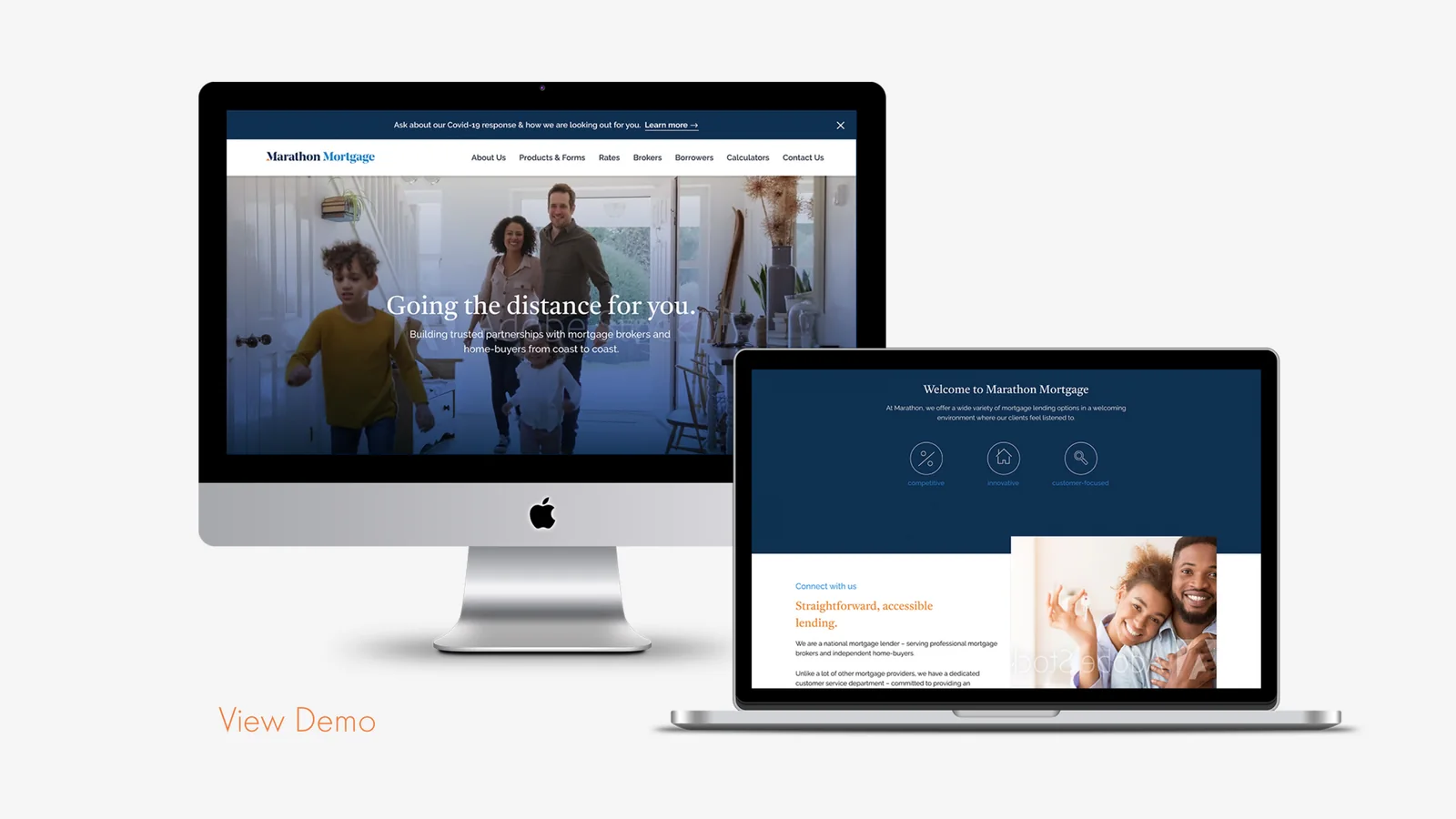
Rebrand and website redesign for Marathon Mortgage, built around a better experience for brokers.
Project Highlights
- Created a new logo and brand identity with vibrant colours and clean typography
- Built a custom website with a CMS and an embedded mortgage calculator
- Changed how a conservative industry sees the brand
- Grew website traffic and broker engagement
BrandingWeb DesignDigital Innovation
visit marathonmortgage.ca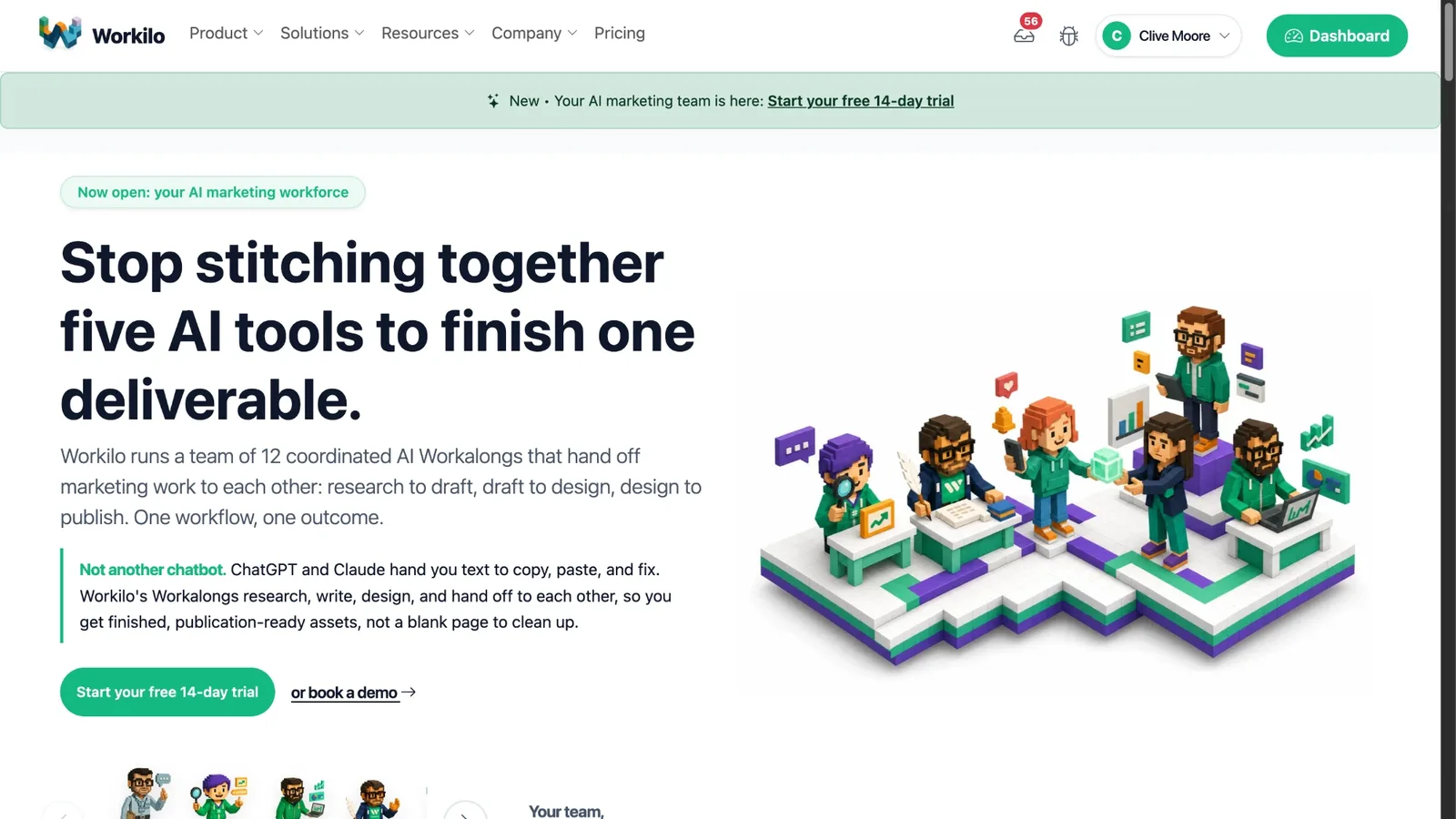
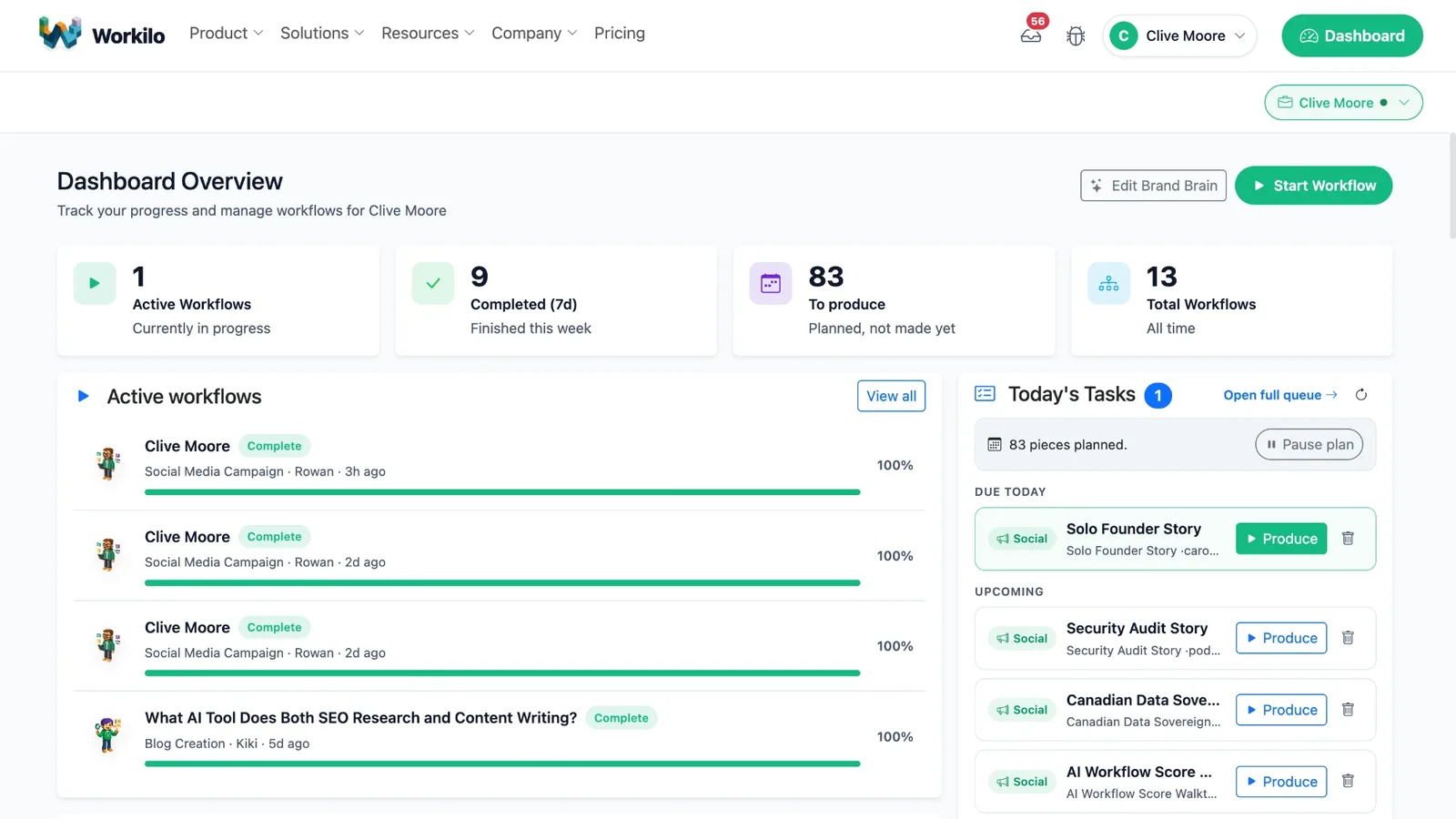
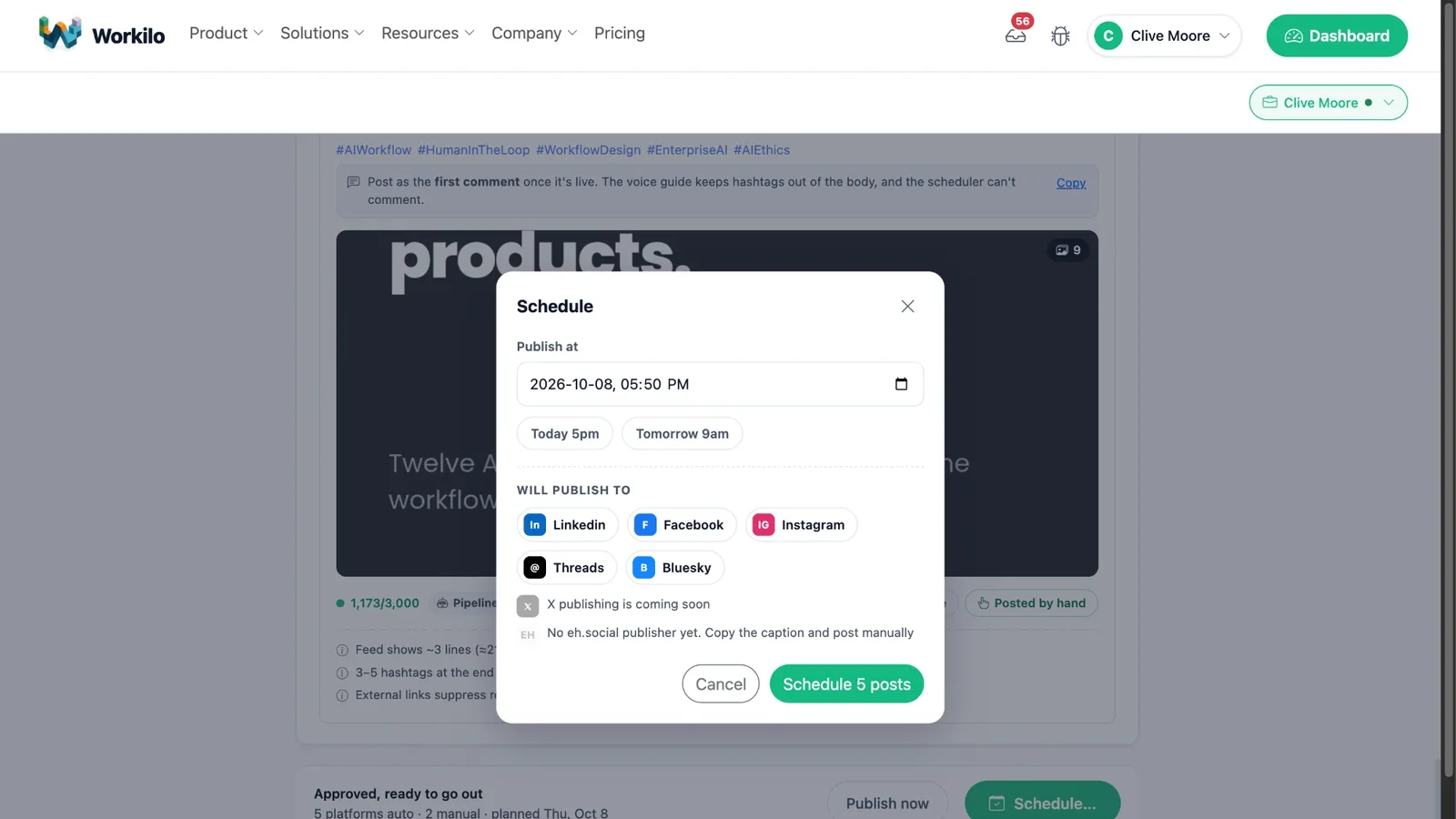
Workilo
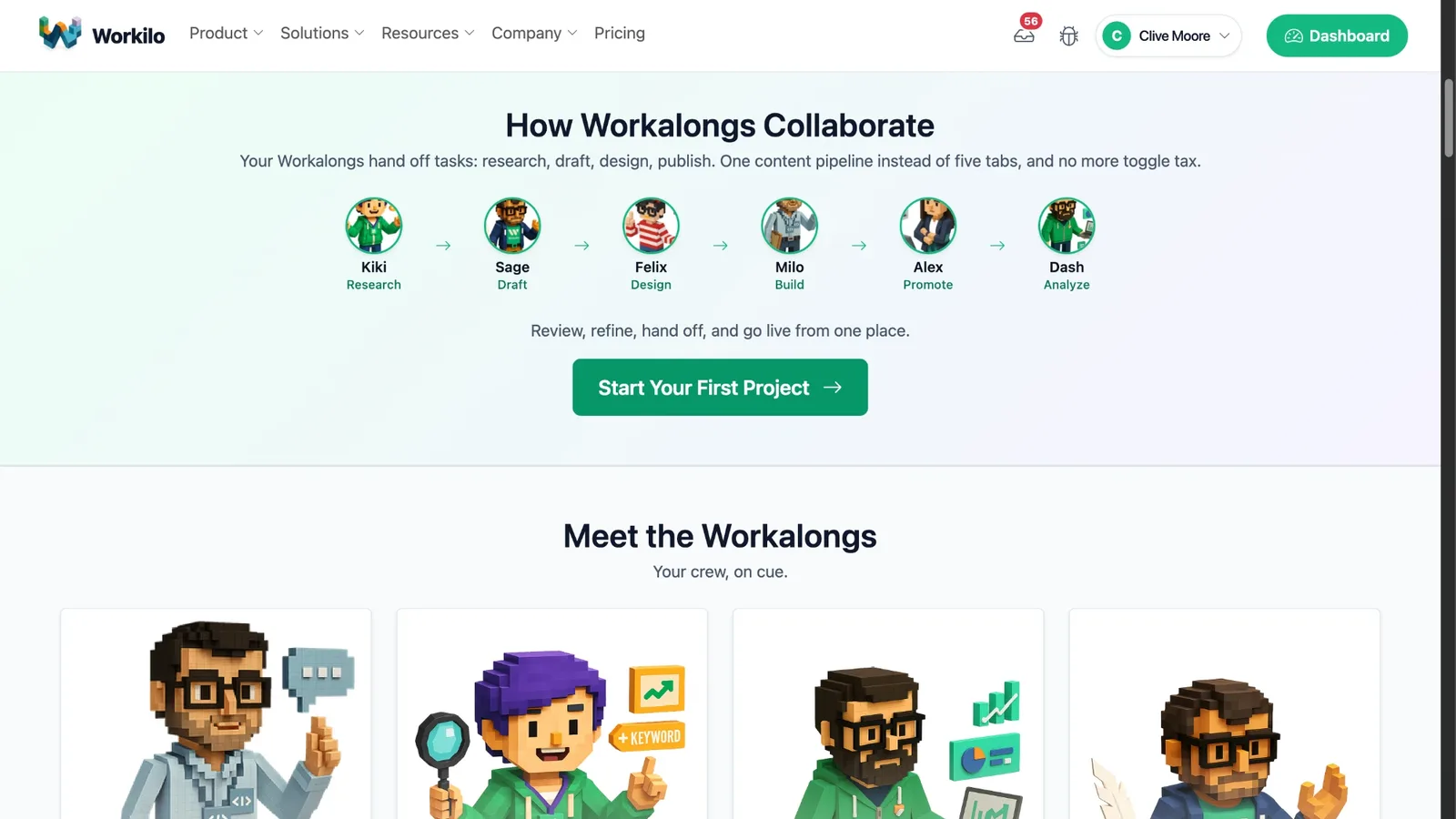
AI productivity platform with 12 specialized assistants (Workalongs) that work together to finish professional tasks 10-15× faster. 14-day trial. Pre-revenue.
Project Highlights
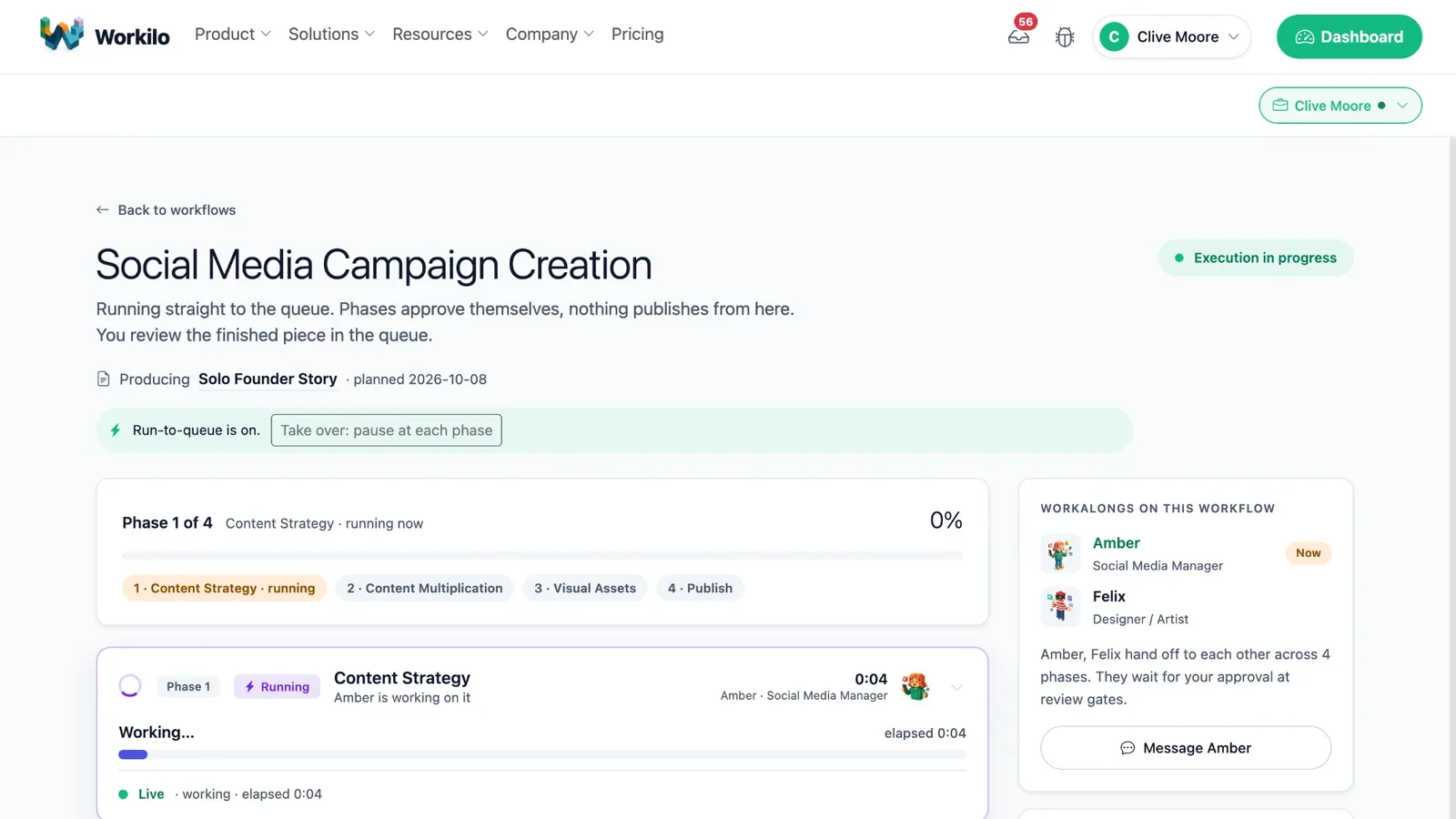
- Designed a "visible autonomy" pattern for 12 specialized agents, so users watch orchestration decisions as they happen
- Built Brand Brain, a 10-question onboarding that configures voice, tone, and reasoning constraints for all 12 agents
- Designed an agent-to-agent handoff protocol where users can trace any output back through the chain
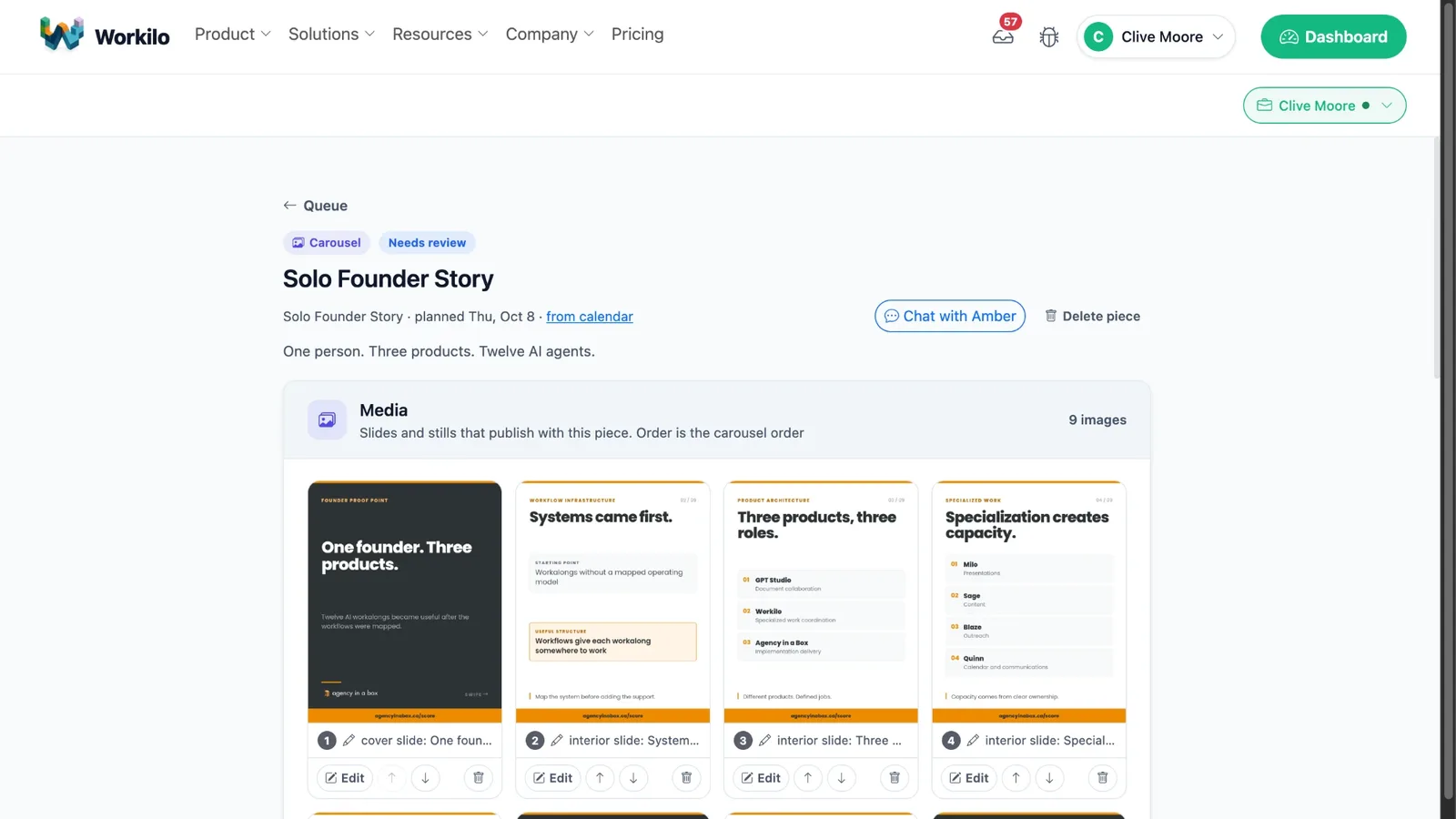
- Built a content pipeline that turns one brief into 14 deliverables, with visible relay points at each handoff
Agent OrchestrationAgentic UXWorkflow AutomationSystems DesignMulti-Agent Systems
visit workilo.ioDesign Process
Twelve specialist agents only work if people can see what they're doing. I made orchestration visible, turned onboarding into a ten-question Brand Brain, and made every agent handoff inspectable.
Read the case study
Agent roles and autonomy
The first decision was also the hardest: how much autonomy does each agent get? Too little and it's a chatbot with tabs. Too much and users stop trusting a system they can't predict. I started with 3 agents handing work to each other without approval. Users hated it. They couldn't tell what was happening or why. The redesign added a visible orchestration layer showing which agent is active, what it's doing, and what it plans to hand off. The autonomy stays, but it's narrated. That "visible autonomy" pattern is what let the system grow into 12 specialized roles, the Workalongs, because trust could scale with capability.
The Brand Brain onboarding problem
Twelve agents need to know your brand, voice, audience, and positioning before they produce anything useful. The obvious approach is a 40-field configuration form, and nobody fills that out. Brand Brain is a 10-question conversation where each answer feeds configuration for all 12 agents at once. Question 3, about audience sophistication, sets vocabulary limits for the content writer, formality for the email agent, and technical depth for the research agent. Onboarding a multi-agent system isn't about configuring agents one by one. It's about getting the least context that lets you configure all of them coherently.
Agent handoff as an interaction pattern
The content pipeline takes one brief and returns 14 deliverables, which meant designing handoffs between agents. Research goes to the strategist, the strategist writes a brief for the writer, the draft goes to the editor, then to the social media agent for platform-specific versions. Every handoff raises questions: what context transfers, what gets summarized, what gets passed verbatim, what the user sees. I made each one a visible relay where users can inspect what an agent received, what it produced, and why. v1 didn't have this. It came from watching users get frustrated when agent #8 produced something odd and they couldn't find the upstream decision that caused it.
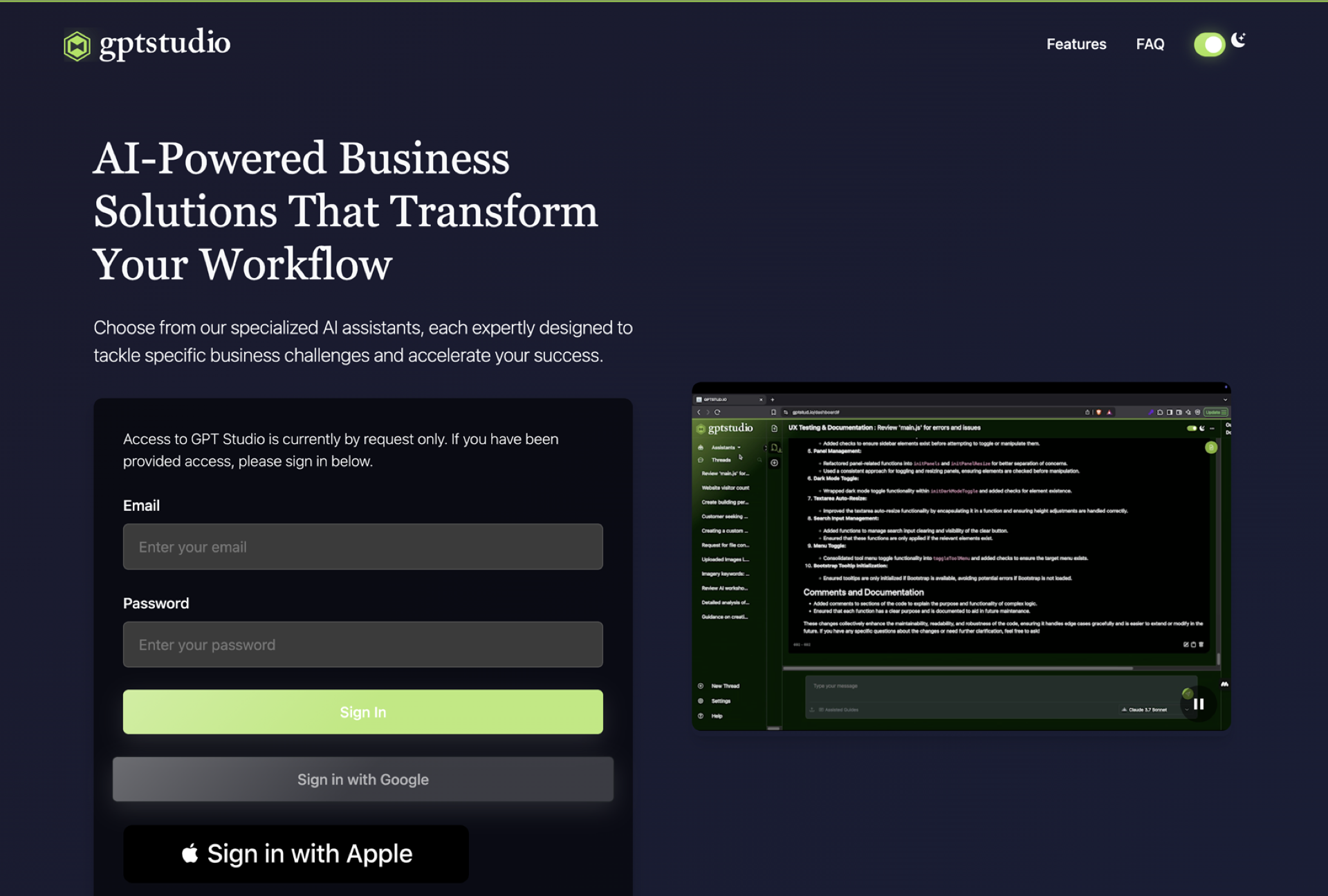
GPT Studio
Document collaboration platform for enterprise teams, with AI assistants built in that work from your files and carry context from one task to the next. Hosted on a Canadian server. Pre-revenue.
Project Highlights
- Built a routing layer that sends each task to GPT, Claude, or Cohere depending on what the task needs. Users never see it
- Designed layered context (document, workspace, conversation) so the AI remembers across sessions
- Prototyped in production code (Express, TypeScript, PostgreSQL), so design decisions were tested against real latency and token limits
- Cut workflow time by 70% with agent-driven document processing pipelines
- Designed a tool architecture that now supports 100+ integrations, shaped by how users actually worked
Multi-Model AIContext ArchitectureEnterprise UXWorkflow OrchestrationSaaS Design
visit gptstud.ioDesign Process
Most AI document tools start every conversation from zero. I built a routing layer that matches each task to the right model, and three layers of context (document, workspace, conversation) so the assistant remembers. Every prototype was working code.
Read the case study
The core problem
Most AI document tools start every conversation from zero. You upload a file, ask a question, get an answer, and the next task begins with nothing. For an enterprise team working across dozens of documents over weeks, that makes AI a toy instead of infrastructure. So the question was how to build assistants that keep context across documents, conversations, and teammates without making users think about how it works.
Multi-model orchestration
Early prototypes ran everything through one LLM. Testing showed different tasks wanted different models: GPT-4 for nuanced analysis, Claude for synthesizing long documents, Cohere for fast retrieval. Picking a model is a technical call users shouldn't have to make, so I built a routing layer that matches the task to the model. The user sees one assistant. Three models sit behind it.
Context architecture
The hardest problem wasn't the chat interface. It was context windows. Enterprise documents are long, conversations reference several files, and people expect the AI to remember what they discussed three sessions ago. I built three layers: document context (what's in this file), workspace context (how files relate), and conversation context (what we've said so far). Each layer feeds the AI differently. Users don't think in layers, though. They think the AI should just know. It took 4 major architecture changes over 6 months to get there, and each one made the system more complicated underneath and simpler on screen.
From prototype to system
I built every prototype as working code in Express, TypeScript, and PostgreSQL instead of static mockups. Not a philosophy, just practicality: you can't tell whether a multi-model system feels coherent from a Figma file. You need real latency, real token limits, and real failures. The design came out of building, testing on real documents, and fixing what broke. The 100+ integrations weren't planned. They grew out of watching enterprise teams try to use the platform, and I'd built in room for extensibility early enough to handle them.
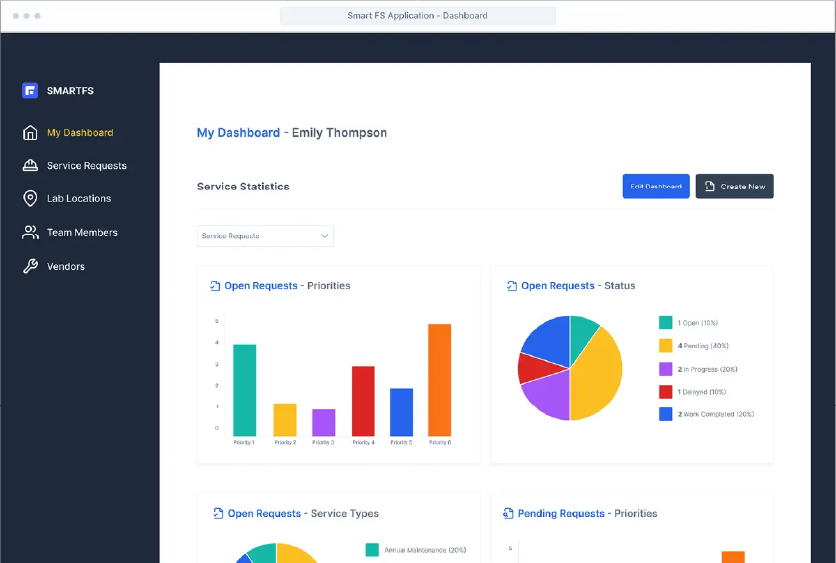
SMART FS Product Launch
At Element6, where I was Chief Creative Officer (2018–2024), I built and branded the SMART FS product, from concept to first clients in 6 months.
Project Highlights
- Shaped the UX design for the new product
- Ran multichannel product campaigns
- Launched on a tight 6-month timeline
- Code audit readiness score raised from 3.4/10 (no-go) to 7.2/10 (go) over 9 audit cycles
UX DesignProduct DevelopmentMarketing Strategy
visit smartfs.app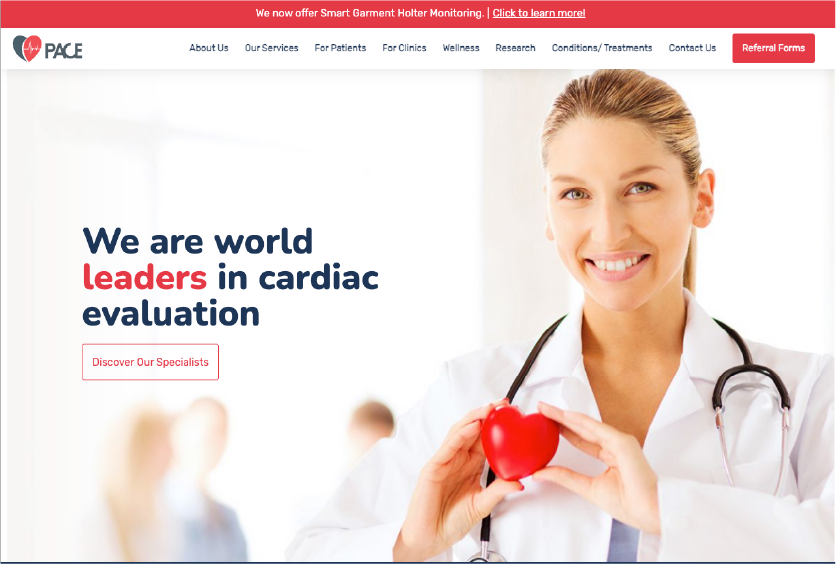
PACE Cardiology Digital Transformation
Patient-first website redesign for PACE Cardiology, making it easier for Ontarians to find, book, and prepare for specialized cardiac care at three clinics in Newmarket, Barrie, and Orillia.
Project Highlights
- Designed one site for two audiences: patients and referring clinicians
- Built OceanMD e-referrals and AFib self-referral forms into the booking flow
- Added location-aware navigation across the three clinics
- Organized 14+ cardiac services and diagnostic tests into plain-language categories patients can follow
- Set up a content system for patient education videos, provider FAQs, and clinical updates
UX DesignHealthcare Web DesignMarketing StrategyIntegrated MarketingDigital Innovation
visit pace-cardiology.com